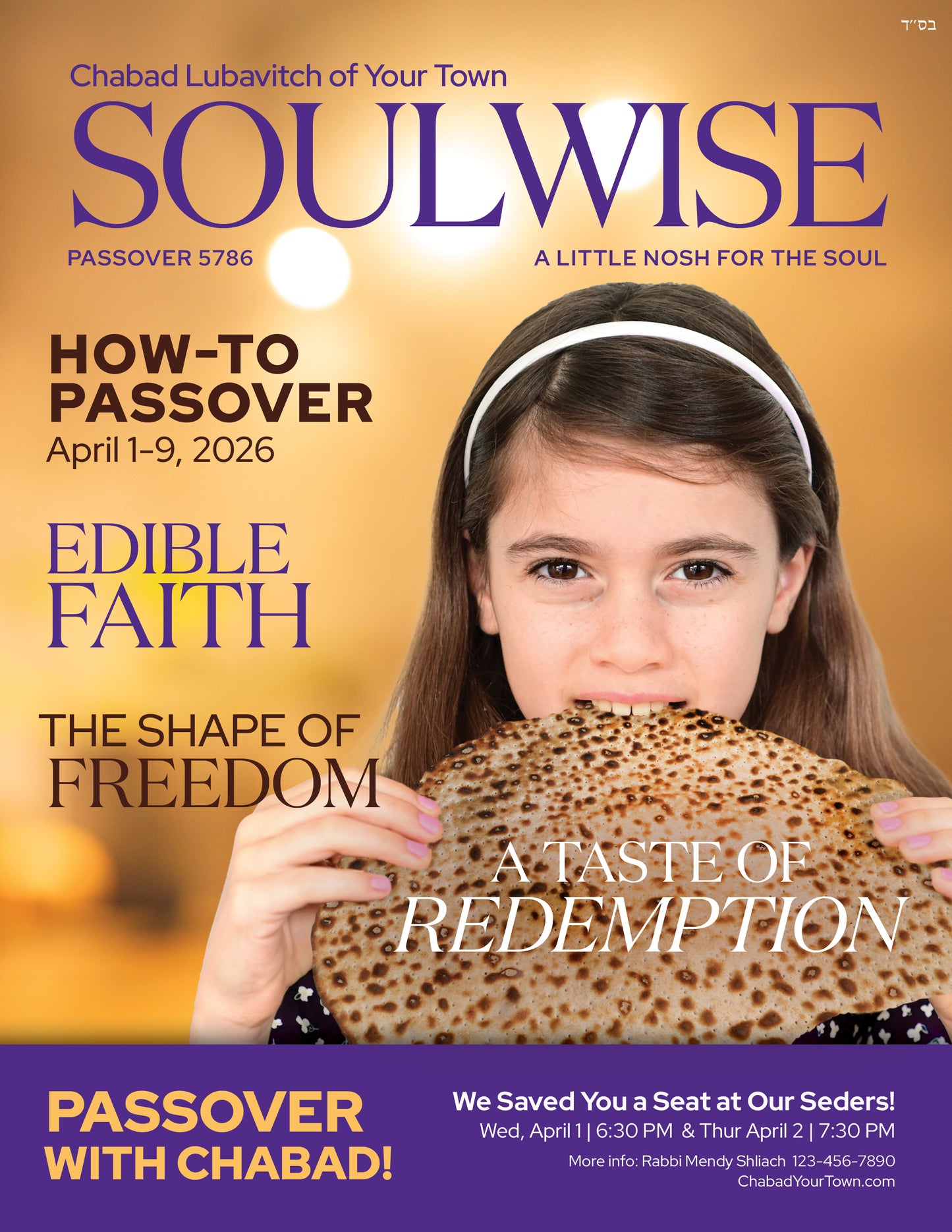
Pesach 5786 Edition
Pesach 5786 Edition
Couldn't load pickup availability
Quick Guide: How It Works
1. Fill out the form
Input your details to customize your magazine,
including your basic info and ad choices.
2. Open the editor
You’ll be taken to a design editor, similar to Canva. Where you can adjust font sizes and realign elements.
3. Adjust your design
Click any text or image to edit it. Resize, move, or tweak fonts to fit your content.
4. Add to cart
When done, click Add to Cart and checkout.

Magazine Information
Design Looks Off? Easy Fixes (Like Canva)
-
Text looks off after changing the name?
Just click the text and adjust the font size on the left, like when using cnava Canva.
-
Important: Verify Candle Lighting Times
Go to the back page in the editor.
Click the time element and adjust if needed.
Use zoom to check everything clearly. -
Adjust Your AdUploads
Click the ad - image you uploaded.
Resize or move it to fit the space.
Use Zoom to get it just right.
Collapsible content
🖨️ See our printing options & rates
Bob at Color Trend offers shluchim printing, envelope insertion, address labeling, and mail house services.
Price list for Pesach: Click here